


How Architecture Firms Can Build a More Efficient IT Infrastructure

Architecture is powered by creativity, but delivering successful projects depends just as much on technology. Every phase of a project, from early concepts and BIM modeling to client presentations and construction coordination, relies on fast, reliable IT systems.
When workstations struggle to render 3D models, networks slow file transfers, or software doesn't integrate properly, productivity suffers. Deadlines become harder to meet, collaboration becomes more difficult, and technology starts getting in the way instead of supporting your team.
As you’re trying to build an efficient IT infrastructure, you know buying new computers is important. But how much weight are you placing on creating a secure, scalable technology environment, one that helps your firm work faster, collaborate more effectively, and support long-term growth?
1. Evaluate Your Current IT Infrastructure

Before investing in new technology, take a close look at what you already have. Start by identifying the technology issues that affect your team every day.
Are large files taking too long to open? Do employees experience slow connections when accessing shared projects? Are software updates causing compatibility problems?
Review your:
Hardware performance
Network reliability
Storage capacity
Software compatibility
Security practices
Then ask the people using your technology every day. Architects, designers, and project managers often know exactly where workflows break down.
Once you understand your biggest bottlenecks, prioritize improvements that will have the greatest impact instead of spending money on upgrades you don't need.
2. Invest in High-Performance Hardware
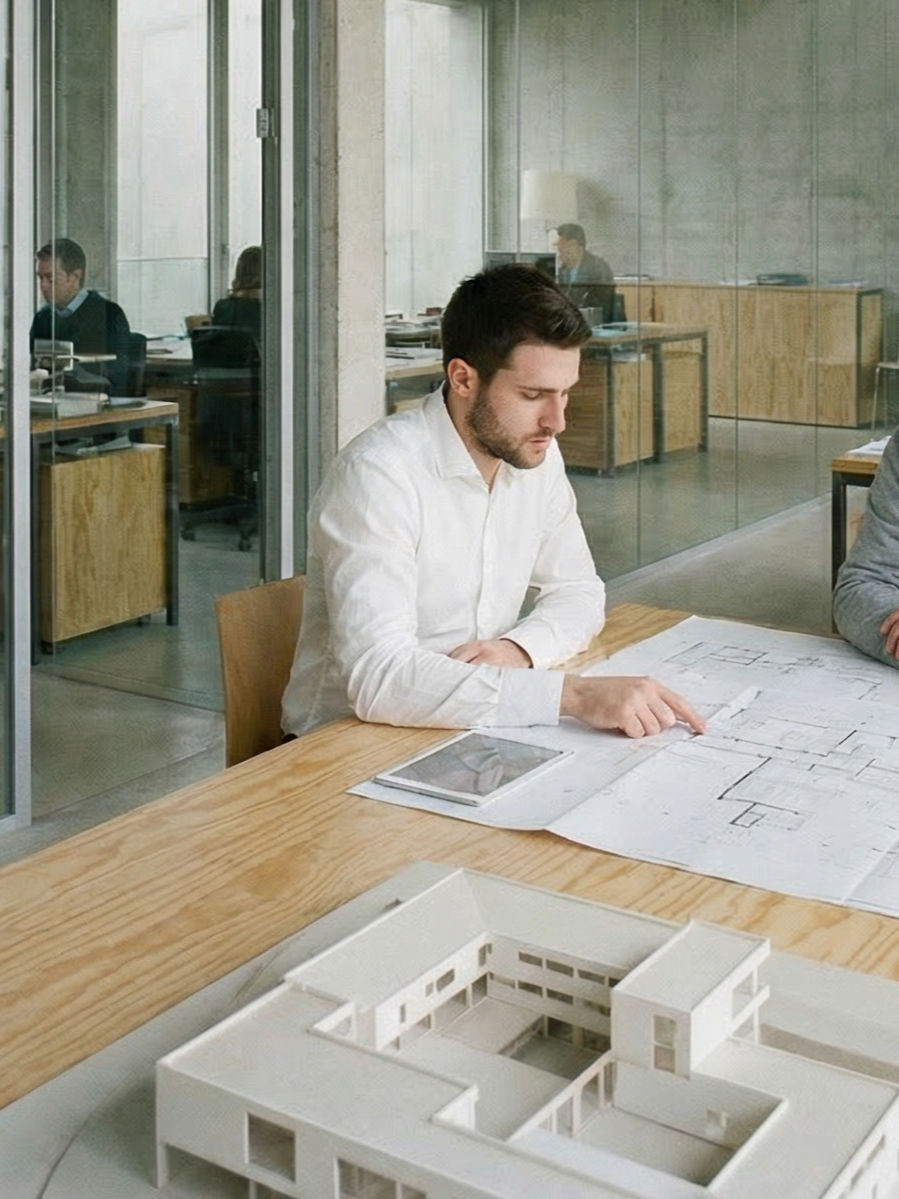
Architecture firms rely on demanding applications like AutoCAD, Revit, BIM software, Rhino, SketchUp, and rendering programs that place significant demands on computer hardware.
If your workstations are several years old, your team may spend unnecessary time waiting for files to load, renderings to complete, or models to process.
When you’re evaluating hardware, consider more than just processor speed. High-performance graphics cards, sufficient RAM, fast SSD storage, and modern CPUs all play an important role in keeping design software running efficiently.
Matching workstation specifications to the software your team uses every day helps reduce delays and allows architects and designers to stay focused on their work instead of waiting for technology to catch up.
3. Move Toward Secure Cloud Collaboration
Today's architecture projects rarely involve one office working independently. Architects collaborate with engineers, consultants, contractors, and clients throughout the design process.
Cloud collaboration makes those partnerships much easier. Instead of emailing large files back and forth, your team can work from centralized project folders that everyone can access in real time. Version control helps you make sure everyone reviews the latest drawings, reduces duplicate files, and prevents mistakes caused by outdated documents.
Cloud platforms also make hybrid and remote work much more practical without sacrificing productivity.
As you evaluate cloud solutions, look for features such as role-based permissions, secure file sharing, automatic backups, and detailed access controls to protect sensitive project information.
4. Strengthen Network Performance and Reliability

Your network is the backbone of your firm's technology. Large architectural models and high-resolution renderings require dependable internet connections and sufficient bandwidth to move files quickly between offices, job sites, and cloud platforms.
If employees regularly experience slow downloads, dropped video meetings, or unreliable Wi-Fi, those interruptions add up over the course of a project.
Evaluate your internet speeds, wireless coverage, firewall performance, and internal network infrastructure regularly, since small improvements to your network can significantly reduce downtime and improve collaboration across the entire firm.
5. Prioritize Cybersecurity From the Start
Architecture firms manage valuable intellectual property, confidential client information, contracts, project documentation, and financial records. That makes them attractive targets for cybercriminals.
Strong cybersecurity for architecture firms should be built into your IT infrastructure rather than added later. A comprehensive security strategy includes:
Multi-factor authentication (MFA)
Endpoint security for desktops, laptops, and mobile devices
Business-grade firewalls
Regular software updates
Secure file sharing
Continuous data protection
Technology alone isn't enough, though. Employees remain one of the biggest targets for phishing attacks and ransomware. Regular cybersecurity awareness training helps your staff recognize suspicious emails and avoid common scams before they become serious security incidents.
6. Standardize Software Across the Firm
When different teams use different software versions, opening files, sharing models, or collaborating across projects becomes more complicated than it needs to be. The more seamlessly your design and project management tools work together, the more efficient your entire workflow becomes.
Standardizing your design software, project management platforms, and collaboration tools helps eliminate compatibility issues and simplifies onboarding and technical support.
It's also a good idea to review software licenses regularly. Make sure employees have access to the applications they need and remove licenses that are no longer being used.
7. Build a Reliable Backup and Disaster Recovery Strategy

Technology failures happen. A server crashes, or someone accidentally deletes a project folder. A ransomware attack locks critical files. Without proper planning, any of these situations can disrupt active projects and delay deadlines.
Automated backups ensure your drawings, BIM models, renderings, and project documentation are regularly copied and stored securely so they can be restored quickly if needed.
Disaster recovery planning goes a step further by outlining how your firm will restore systems, recover data, and resume operations after an unexpected event.
8. Support Remote and Hybrid Design Teams
Many architecture firms now operate across multiple offices or support employees working remotely. Your IT infrastructure should make that flexibility possible without sacrificing performance or security.
Secure remote access allows architects and designers to work from virtually anywhere while maintaining access to the same files, software, and project information available in the office.
Mobile access also improves communication between designers, clients, consultants, and construction teams by making project documents available whenever they're needed.
The goal is to give employees flexibility while maintaining strong cybersecurity controls that protect client data and intellectual property.
9. Partner With a Managed IT Provider

Instead of asking architects or internal staff to troubleshoot technology issues, many firms partner with a managed IT provider that handles day-to-day technology management.
Managed IT services typically include proactive monitoring, system maintenance, cybersecurity management, software updates, backup monitoring, technical support, and long-term technology planning. Rather than waiting for problems to occur, a managed provider works to prevent them altogether.
Investing in experienced IT solutions for architectural firms, like Diamond IT, allows your architects, designers, and project managers to stay focused on designing exceptional spaces while your technology is monitored, maintained, and continually improved behind the scenes.
Build an IT Infrastructure That Supports Better Design
Technology should help your architects do their best work, not slow them down.
A modern IT infrastructure combines high-performance hardware, secure cloud collaboration, reliable networks, standardized software, and strong cybersecurity into a system that supports every stage of a project.
Add dependable backups, flexible remote access, and proactive IT management, and your firm is better equipped to collaborate efficiently, protect valuable project data, and adapt as your business grows.
If your current technology is creating bottlenecks instead of removing them, now is the time to evaluate your IT infrastructure. Investing in the right systems today can improve productivity, strengthen security, and position your architecture firm for long-term success.


Comments